QR code check-in on any phone — no app to install.
Every attendee gets a personal QR ticket by email. On the day, your team opens a secure link on their phone, tablet or laptop and starts scanning. Each scan shows in a second whether the guest can go in.
From $99 per event · No ticket commission · No annual contract · No app or kiosk rental
See a sample event website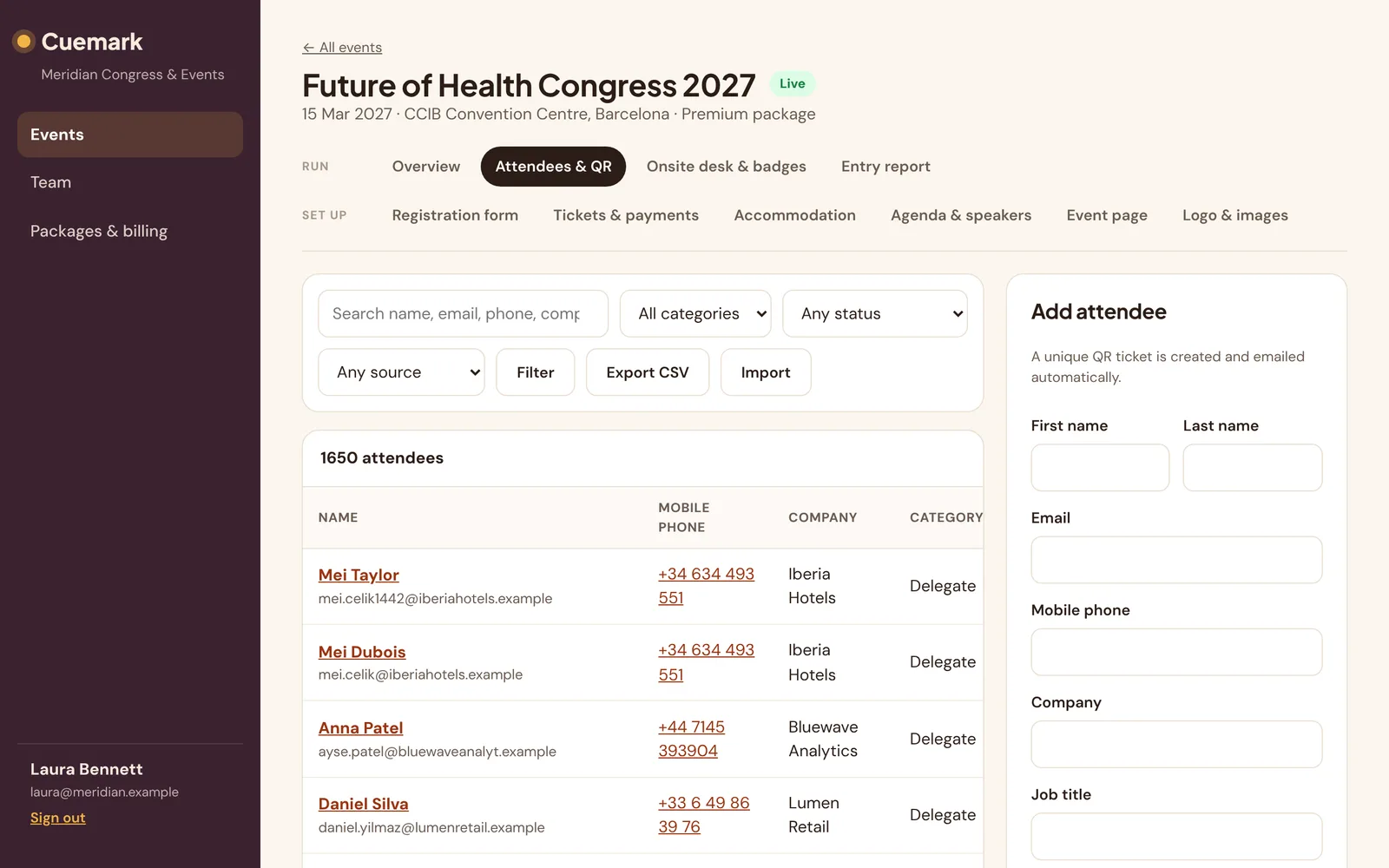
Check-in in three steps
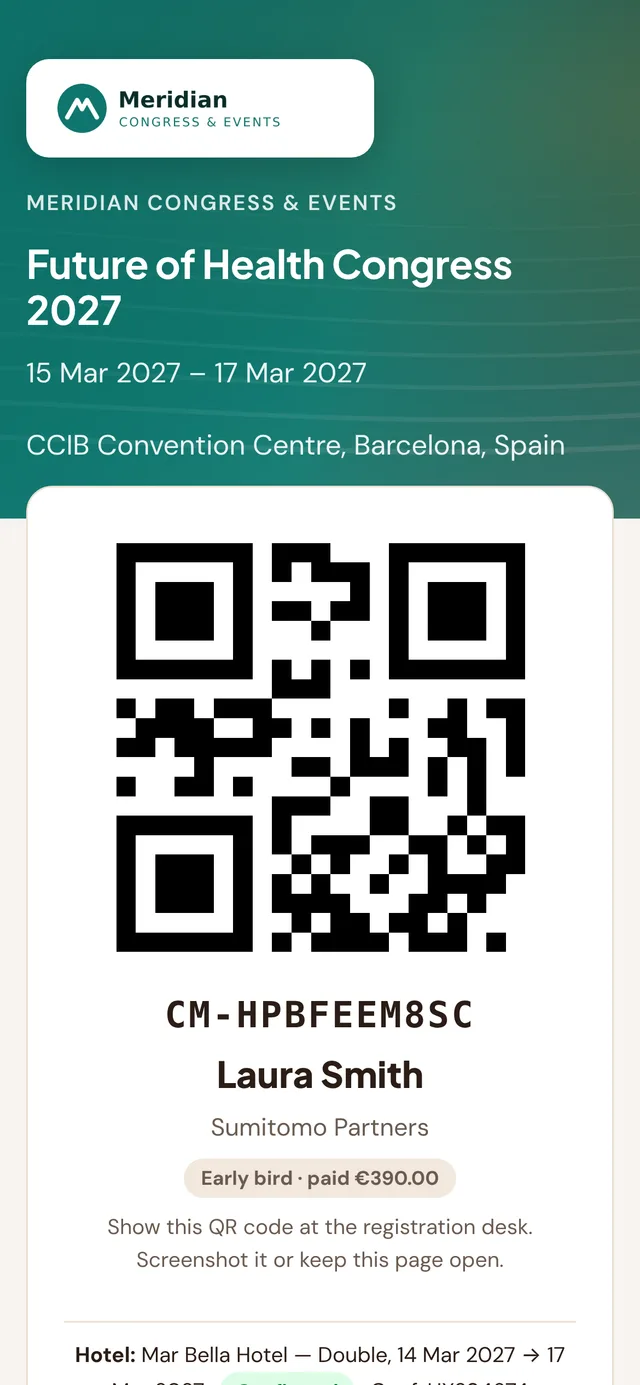
Attendees get a QR ticket
After registering, each guest receives a unique QR ticket by email. It is also always available on a web page — no app, no account.
Staff open a station link
Create a door scanner or staff desk link for each entrance. Open it on any device; door links start the camera right away.
Scan at the door
Green means welcome, amber means already checked in, red means send to the desk. Arrival counts update live in your panel.
Everything a busy entrance needs
Any device with a camera
Phones, tablets and laptops work out of the box. USB and Bluetooth QR scanners that act as a keyboard work too.
Instant green, amber or red
Door scanners flash the whole screen so staff can keep their eyes on the queue, with a short beep for each result.
Duplicates caught
A ticket that has already been used shows the time of first entry, so shared screenshots don’t get two people in.
Separate links per role
Door scanners see only the result. Staff desks see name, company, category and status. No one at the door sees emails or phones.
Live arrival reports
See arrivals by hour and category, no-shows and badges printed, and export a CSV for your client the same day.
Revocable access
Every station link can be renewed or revoked from the panel. Lost phone? Revoke the link and the old one stops working at once.
Frequently asked questions
Do attendees or staff need to download an app?
No. Attendees receive their QR ticket by email and on a web page. Staff open a secure link in the browser on any phone, tablet or laptop.
Does QR check-in work with a handheld scanner?
Yes. USB and Bluetooth QR scanners that act as a keyboard work on staff desks and kiosks, alongside device cameras.
What happens if someone shows the same QR code twice?
The second scan shows that the ticket was already used and when, so your staff can handle it.
Can we see who has arrived in real time?
Yes. Your panel shows live arrival counts by category and hour, and you can export the list at any time.
More Cuemark features
Run your next event with Cuemark.
Your first event is free for up to 25 attendees — no card needed. Prefer a walkthrough? Book a demo on our home page.
Start free — first event on us